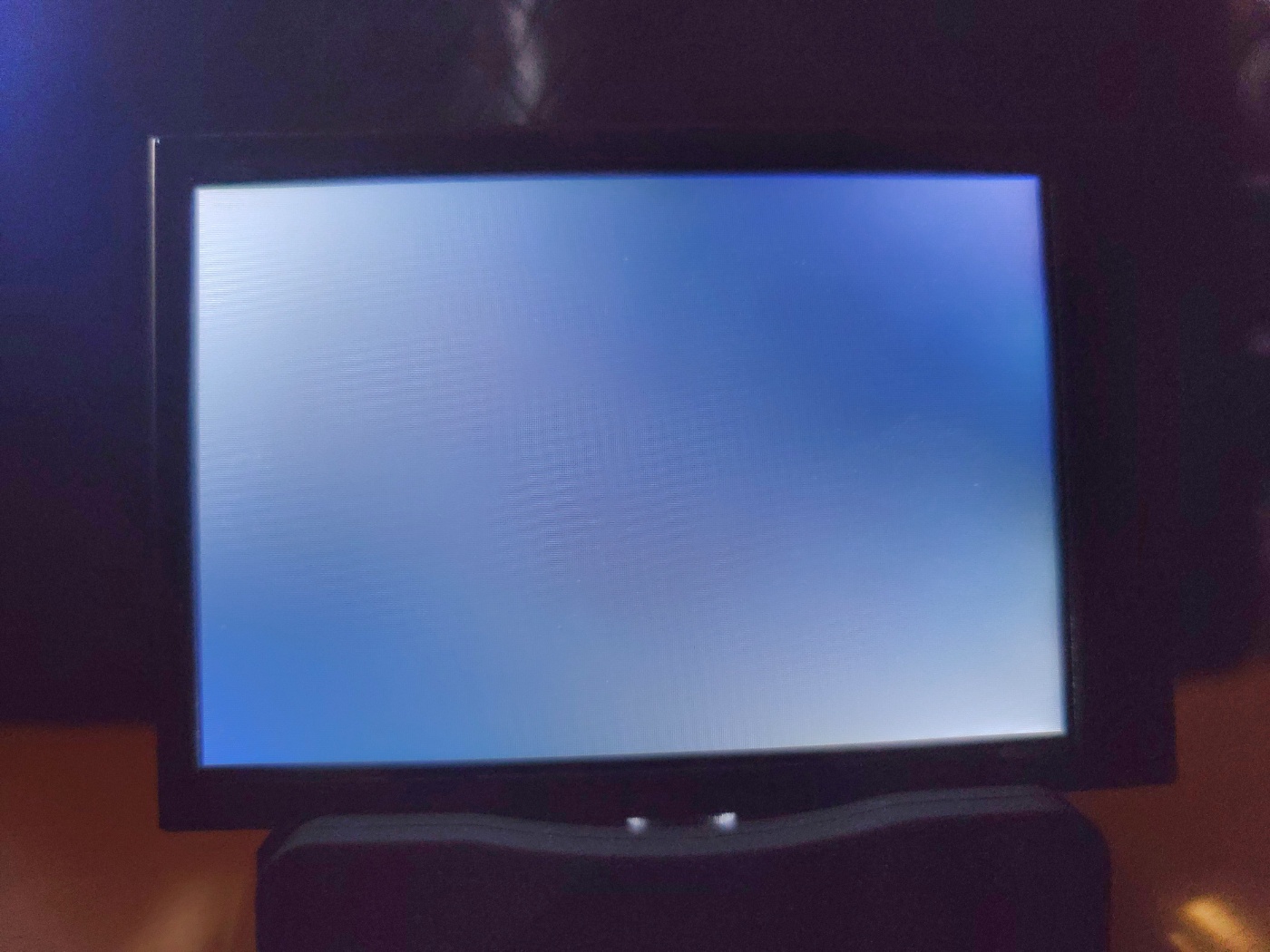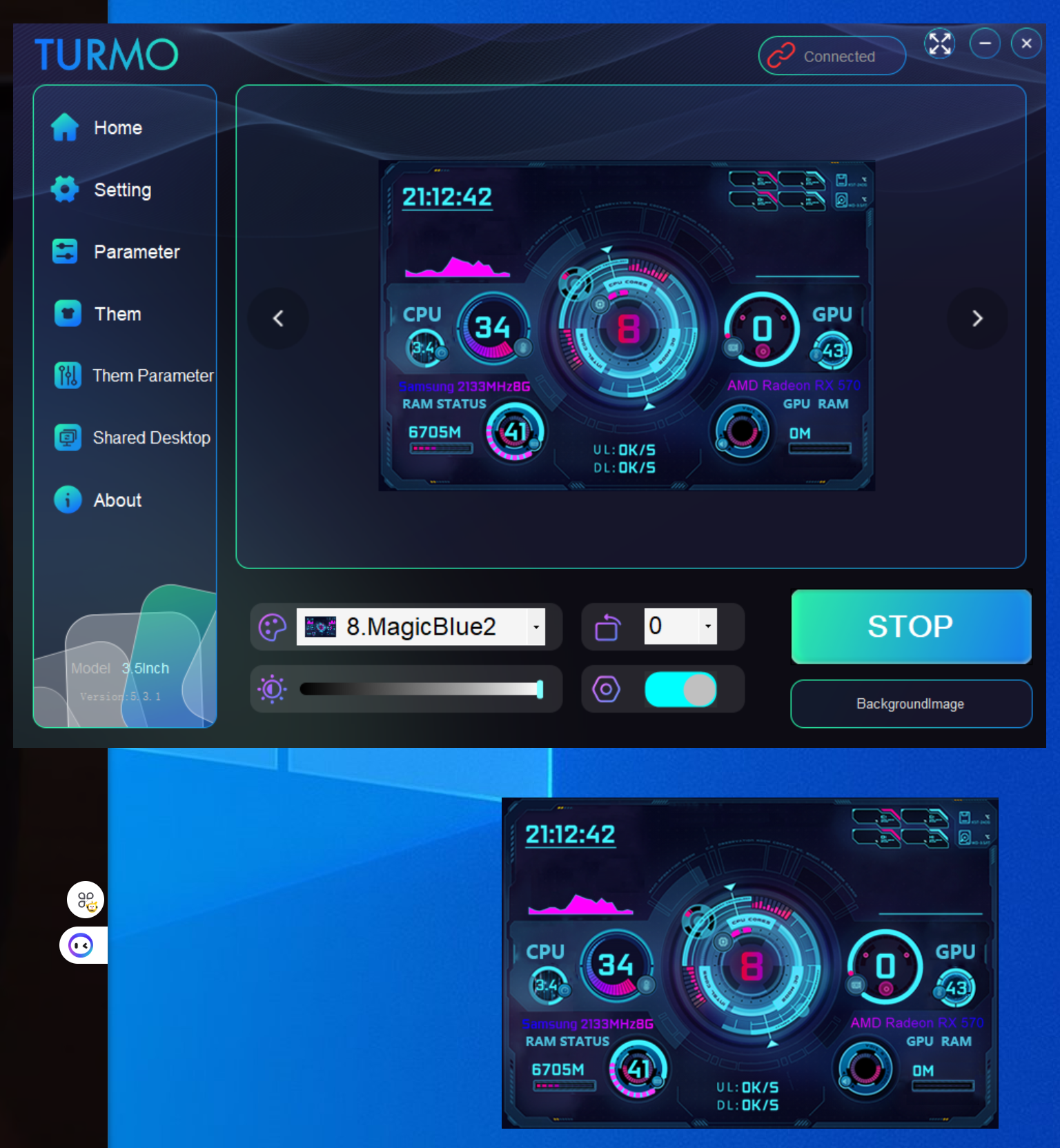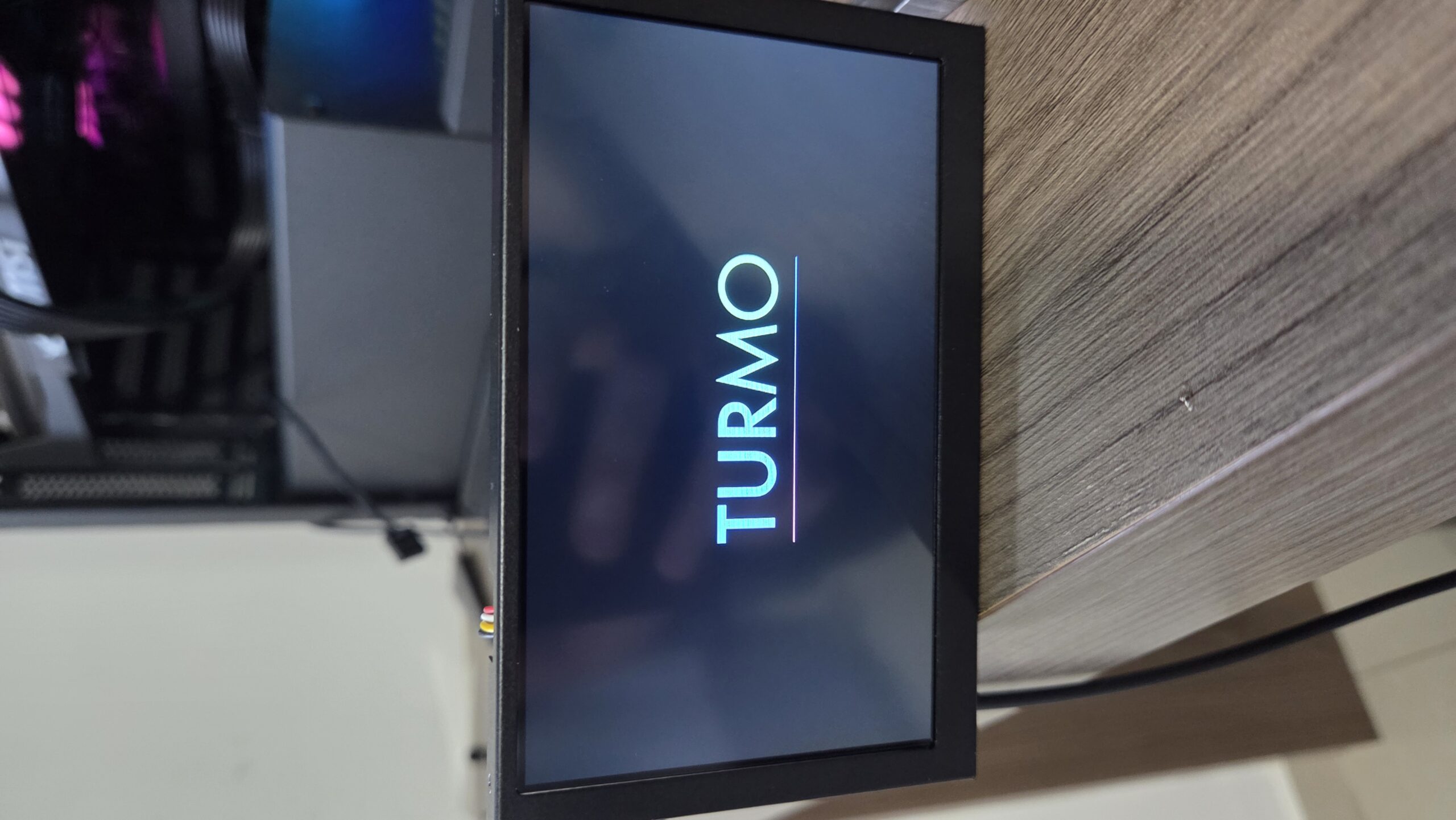
“I try working out the connection of 3.5 inch screen but the app shows that is not connected to the pc. The screen stay white and nothing seems to work! “


JORDANO1986 
0 tengo el mismo problema que al conectar la pantalla sigue en blanco y en el software dice desconectado, probé también el software beta, seguí todas las recomendaciones pero continua el problema, si hubiera alguna forma de cambiar el puerto COM en el software seria mas sencillo.9天前

Link Koriri 
0 When plugging in device to any port on PC, the unit (3.5 inch Secondary Display) turns on but stays with a white display, and not being detected by software, continues to say "Disconnected". Troubleshooting steps taken: "1. Check the USB Cable The included cable might be faulty. Please try using a different USB Type-C cable (such as your phone’s charging cable) to test the connection." - I have used three other USB Cables, same result. "2. Try a Different USB Port There might be an issue with the specific USB port on your computer. Please unplug the device and try connecting it to a different USB port." - I have attempted to use the front USB Port, as well as two rear USB Ports, same result. "3. Check for Port Conflicts Another software program on your PC might be occupying the USB port. Please check your Device Manager to see if the USB device is being recognized or if there are any conflicts. If the device is showing up in Device Manager, Maybe it means the serial port is being occupied by another application." - I don't know if it's actually being recognized, I hear the audible Windows 11 ding that a USB Device has been connected, but with Device Manager open, I can't seem to find where it is. "4. Install Required Drivers (Windows 7) – Windows 10/11: Drivers are usually installed automatically. – Windows 7: You may need to install the necessary drivers manually as they are not always included by default." I can't find the unit in Device Manager to do the driver update, but I'm also running Windows 11. "5. Test with Another Computer If your PC still cannot recognize the device, please try connecting it to a different computer to rule out any issues with your current system." - I did attempt using my wife's computer, and it did the same, white screen. Note of Other Trouble-Shooting completed: - Rebooted PC Multiple times while having display plugged in - Plugged in unit while Turmo application is running or closed - Run Turmo as Admin Note about my PC: - Running Windows 11, version 25H2 - GPU is MSI RTX 5070ti - Motherboard is Gigabyte X670 AORUS ELITE RX I'm thinking I may have a defective unit?11天前

Link Koriri 
0 I am experiencing the same issue. Using included USB Cable, as well as a USB Cable of my own, attempted multiple USB Ports on the computer, multiple reboots, and moving the TURMO folder from D: to C:, running as admin. Still white screen. PC Does make a sound confirming connection to computer, but remains white screen. Running Windows 11, fully up to date drivers on Windows and GPU.15天前

Taleya 
0 I've got the same issue - where are the win7 drivers? They don't seem to be in the zip package27天前

jun ho 
0 I have a problem where only a white screen appears. It says that the connection is established, but no video appears. 1. Same problem occurs even after replacing the cable, using a different USB port, or using a different PC.
1个月前

turmo
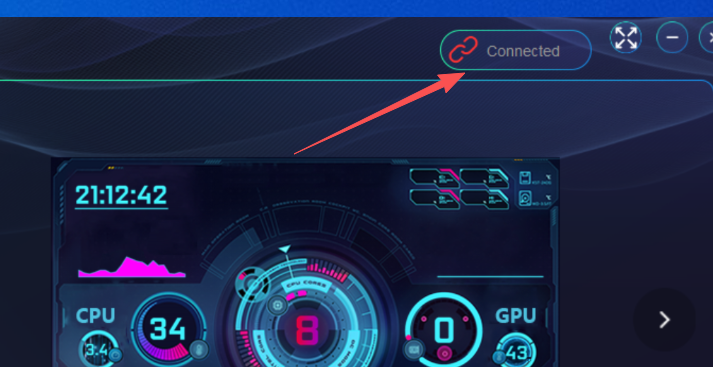
超级版主0 Sorry for missing this post earlier. The "connected" shown in the picture indicates the USB port and cable are working fine – the issue is likely something else.
1个月前江西省赣州市@jun ho

jun ho 
0 I tried everything as instructed above, but as shown in the picture, it is recognized on the PC but does not appear on the sub. For reference, the OS is Win11.1个月前@jun ho

Spoder94 
0 Having the same issue, tested with multiple cables and ports, display only shows white and pc does not recognize it1个月前

turmo
超级版主0 Hello!Sorry for missing this post earlier. Which version of Windows 7 to 11 is your computer running, and is it a 64-bit or 32-bit system?1个月前江西省赣州市@Spoder94

mls10 
0 I tried all these steps and still not recognizing. The screen turns on but shows nothing.
1个月前

turmo
超级版主0 Hello, sorry for missing the information in this post earlier! Have you tried unplugging the PH port and using the USB port instead—did it work?1个月前江西省赣州市@mls10
回答11
只看作者最新最热


超级版主