

Hi everyone,
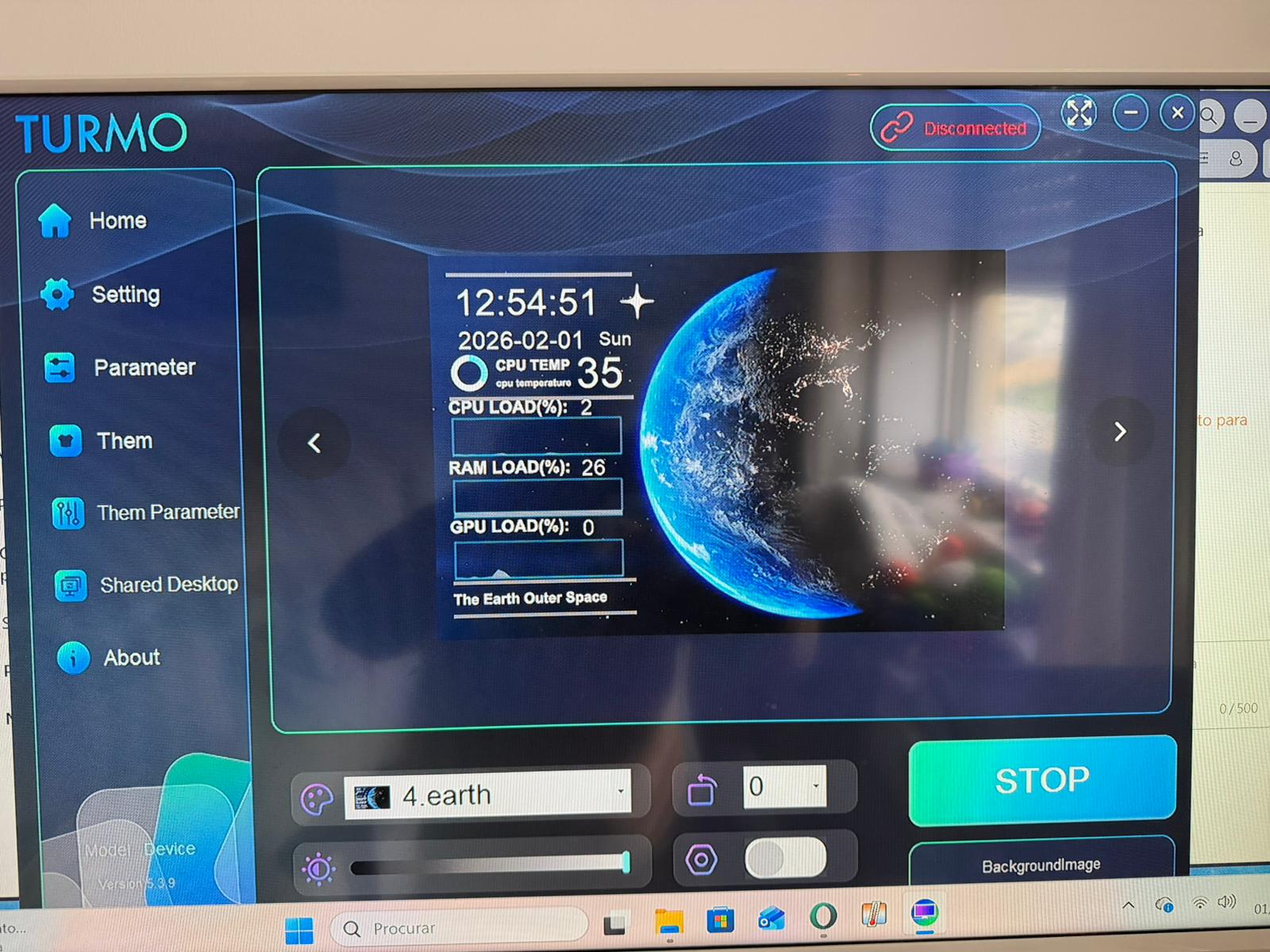
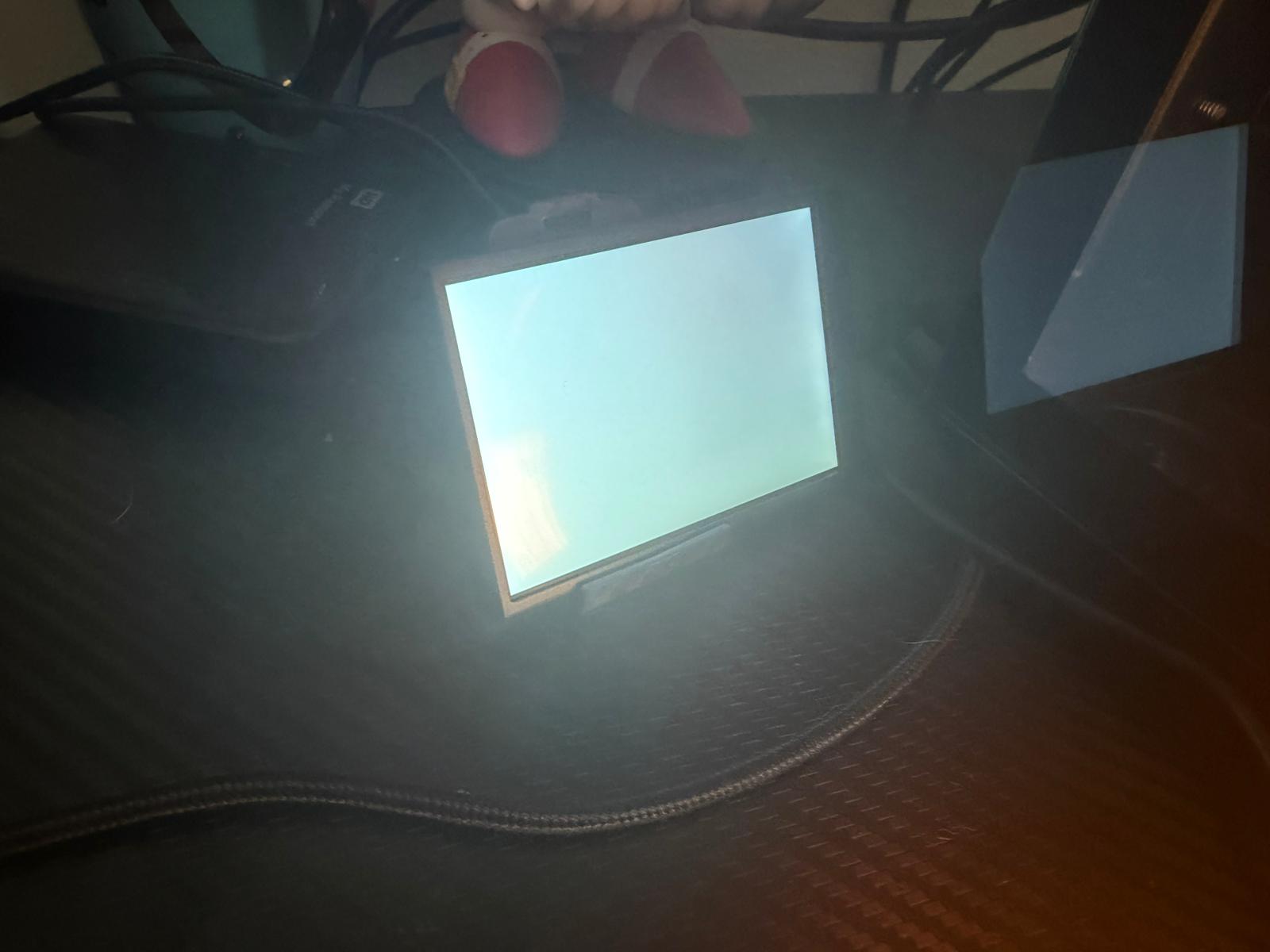
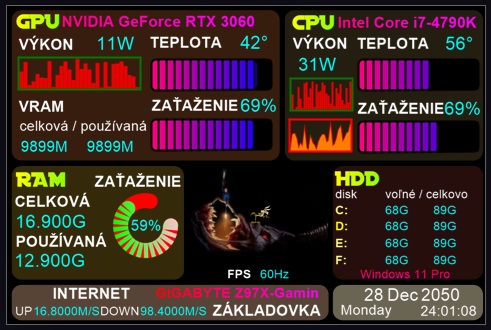
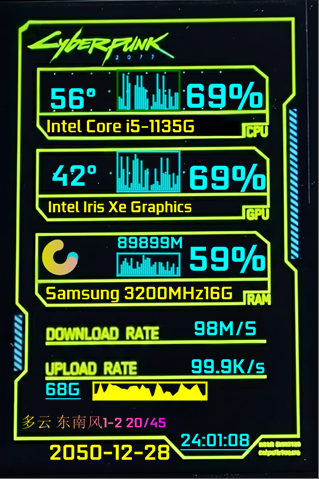
I recently bought a 3.5″ Turmo/Turing smart screen .
The display powers on, and Windows detects it with the USB connection sound.
In Device Manager it shows up as:
USB\***** and it creates a COM port (COM4).
However, the Turmo software always says “device disconnected” and there is no option to select the COM port manually.
Has anyone experienced this before?
Is this a driver/protocol issue or is this screen incompatible with the official software?
Any help would be appreciated. Thanks!
© Copyright Notice
All content is copyrighted by the author. Reposting is prohibited without permission.
THE END



- Latest
- Hot
Author only