

Hi everyone,
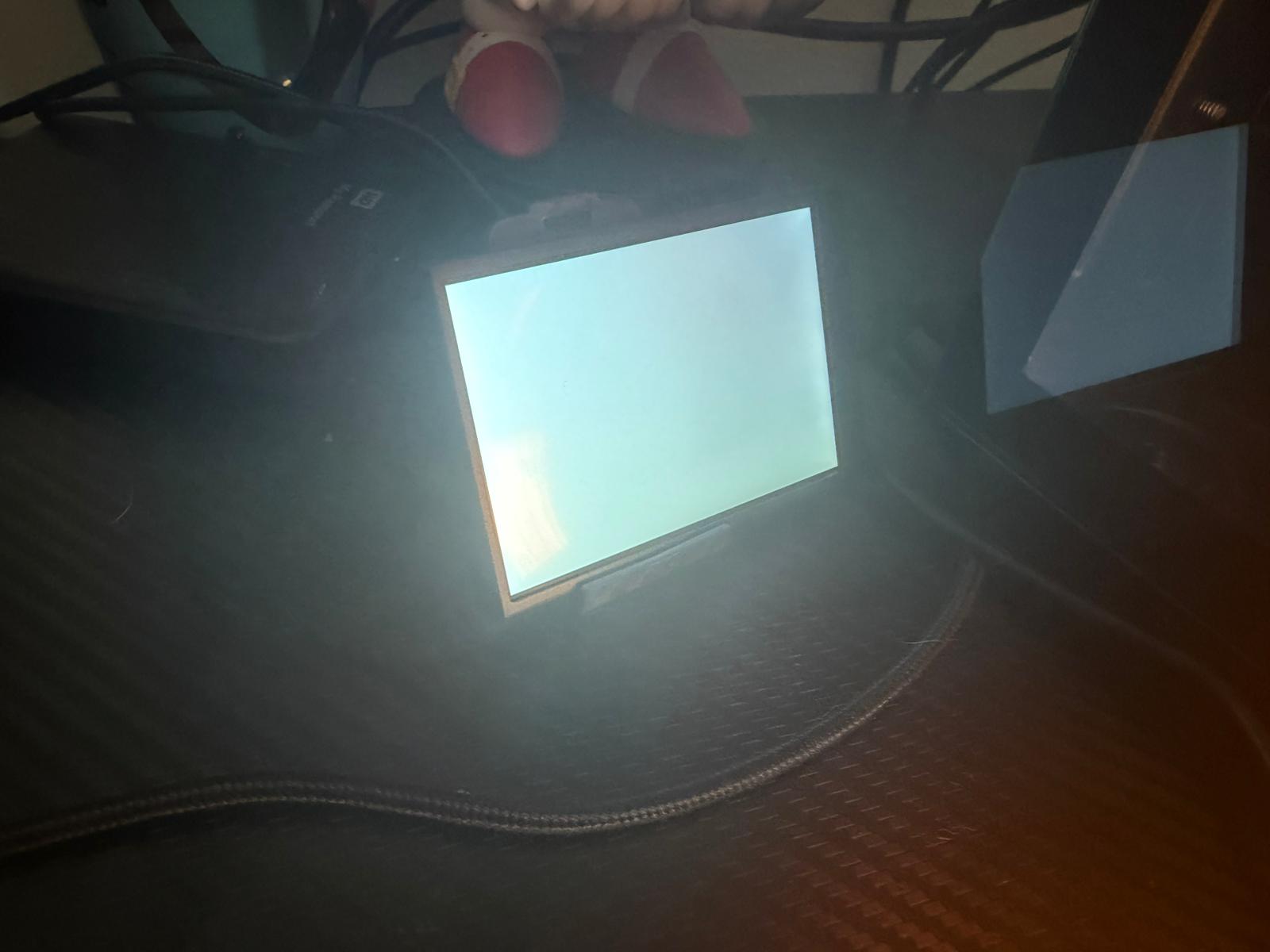
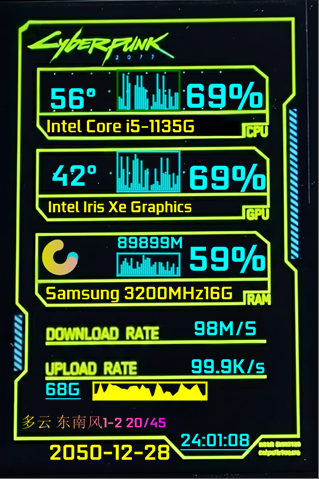
I recently bought a 3.5″ Turmo/Turing smart screen .
The display powers on, and Windows detects it with the USB connection sound.
In Device Manager it shows up as:
USB\***** and it creates a COM port (COM4).
However, the Turmo software always says “device disconnected” and there is no option to select the COM port manually.
Has anyone experienced this before?
Is this a driver/protocol issue or is this screen incompatible with the official software?
Any help would be appreciated. Thanks!

© 版权声明
文章版权归作者所有,未经允许请勿转载。
THE END



- 最新
- 最热
只看作者